The Teradata VS Code extension (add in) is a relatively new extension to the VS Code IDE. It integrates Teradata SQL into the IDE so enabling users to query Teradata directly without having to switch to an SQL client.
Currently the add in enables a connection to Teradata Vantage, the database hierarchy is displayed on the left of the default workspace as it is in the traditional client SQL tools, SQL Studio and SQL Assistant. Somewhat frustratingly there does not appear to be an option to filter the databases to only the ones your working with. Currently you get a colourizer for Teradata SQL, more features are planned.
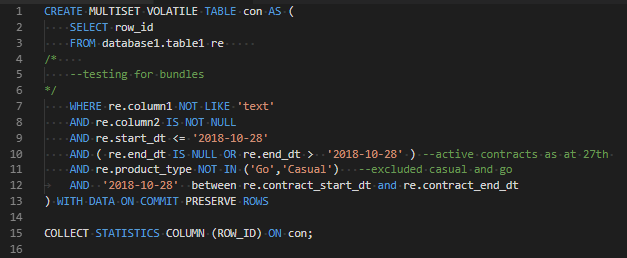
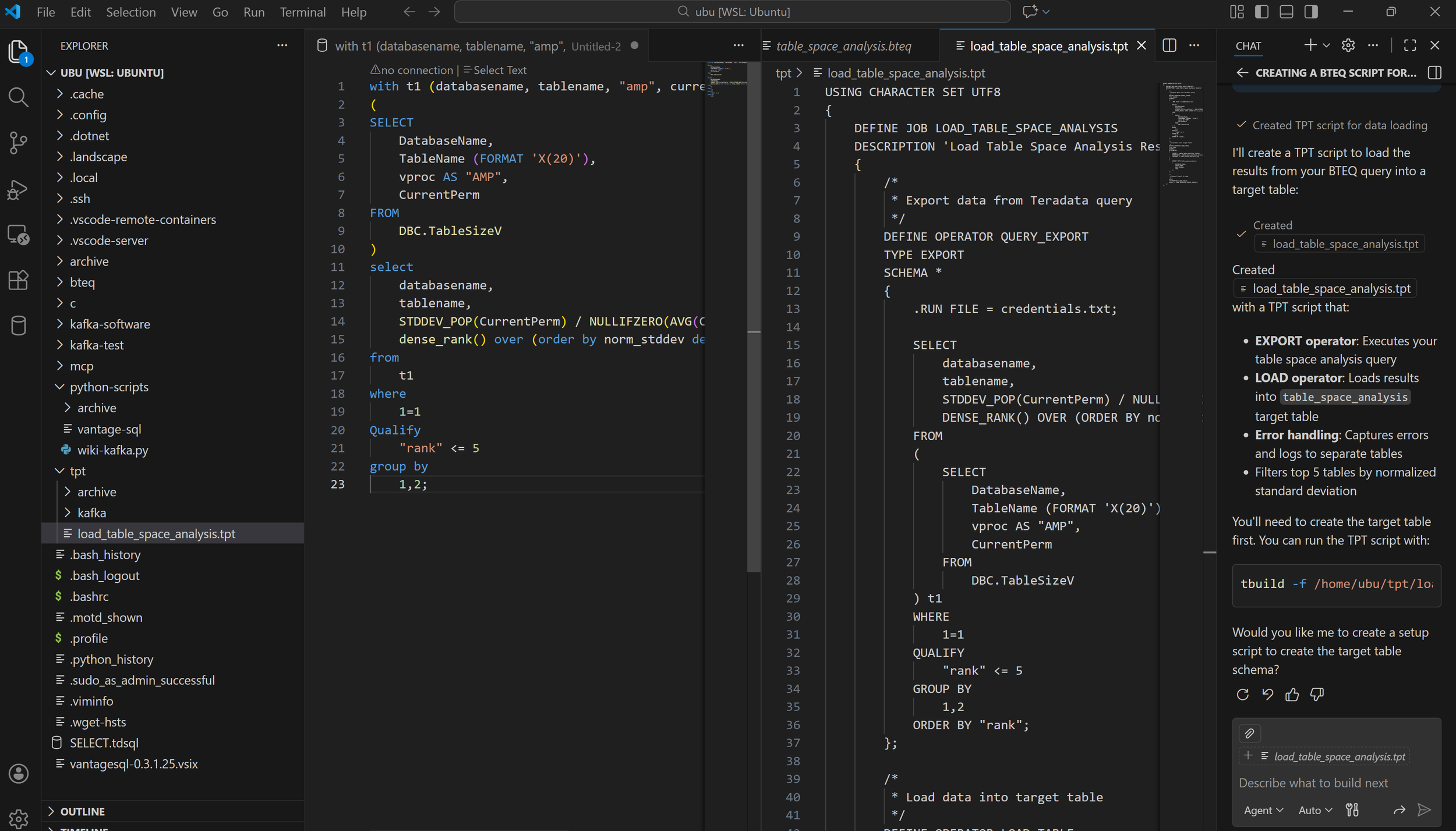
Having used it over the past few weeks, its a game changer especially coupled with Teradata’s MCP server to enable natural language AI against your Teradata platform. MCP is for another blog topic though, the focus here is where you get the Plugin, how to install it and then what you can do with VS Code’s copilot\AI agents to generate scripts \ templates around your code (TPT, Bteq).
Grab the add in from Github, here
congomon/sql-teradata: SQL Teradata extension for Visual Studio Code
Once downloaded, follow these instructions to install the .VSIX file
Once enabled try generating BTEQ, TPT scripts from your SQL. In a future blog I’ll cover Teradata’s MCP server so you can use natural language to query Teradata !!
